How to Sync Animation to Narration Cues
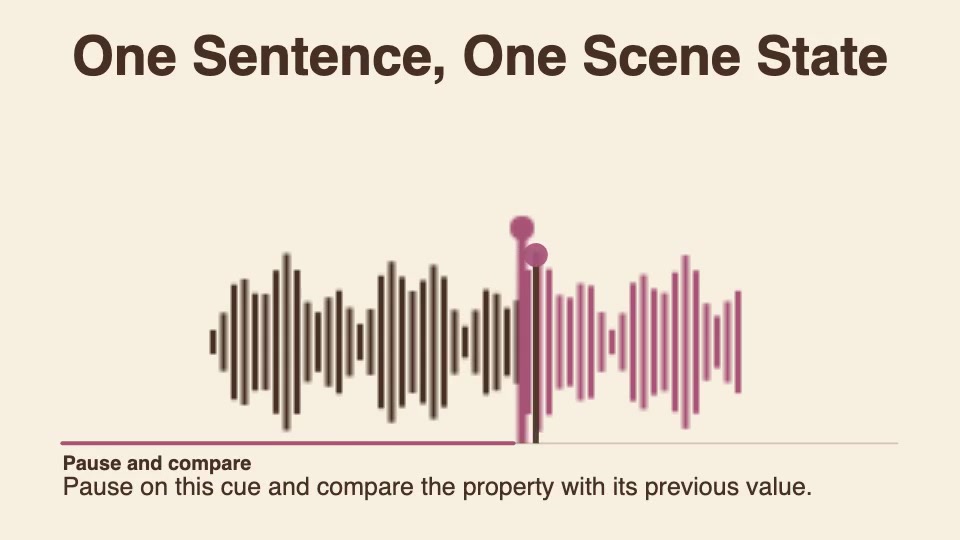
Give each spoken sentence one cue with a start time, a caption and a scene state. Use the latest cue at or before the current playhead time to update both the caption and the highlight.
Try three cues
Draw three labeled segments in a row and keep them in place. In your editor, record or place the three lines at the cue starts. At each cue, replace the caption and highlight only the named segment. If you use keyframes, make the switches instant rather than blending between states.
These times are for this exercise, not measurements from the reference video.
| Cue start | Narration and caption | Highlight only |
|---|---|---|
| 0 s | “Start with the first segment.” | Left segment |
| 4 s | “Move to the middle segment.” | Middle segment |
| 8 s | “Finish on the last segment.” | Right segment |
Check playback and timing edits
- Pause at 5 s. The middle caption and highlight should stay visible.
- Seek to 9 s, then back to 2 s. The caption and highlight should switch together, first to the right segment and then to the left.
- Move the middle narration line and its cue from 4 s to 5 s. At 4.5 s, both should still show the first cue. At 5 s, both should switch to the middle cue.
If a backward seek leaves the old highlight on screen, check that both the caption and the highlight are selected from the current playhead time, not from the last cue that fired.